Tutorial for release managers
The Apache Trusted Releases (ATR) platform is under development; the current version may not precisely match the screenshots below. This tutorial follows an ordinary release of a non-podling project, with the vote held on a mailing list.
Compose Vote Finish Releases Projects
Compose
Use Candidates in the Draft menu, then press the Start a new release button for any project.
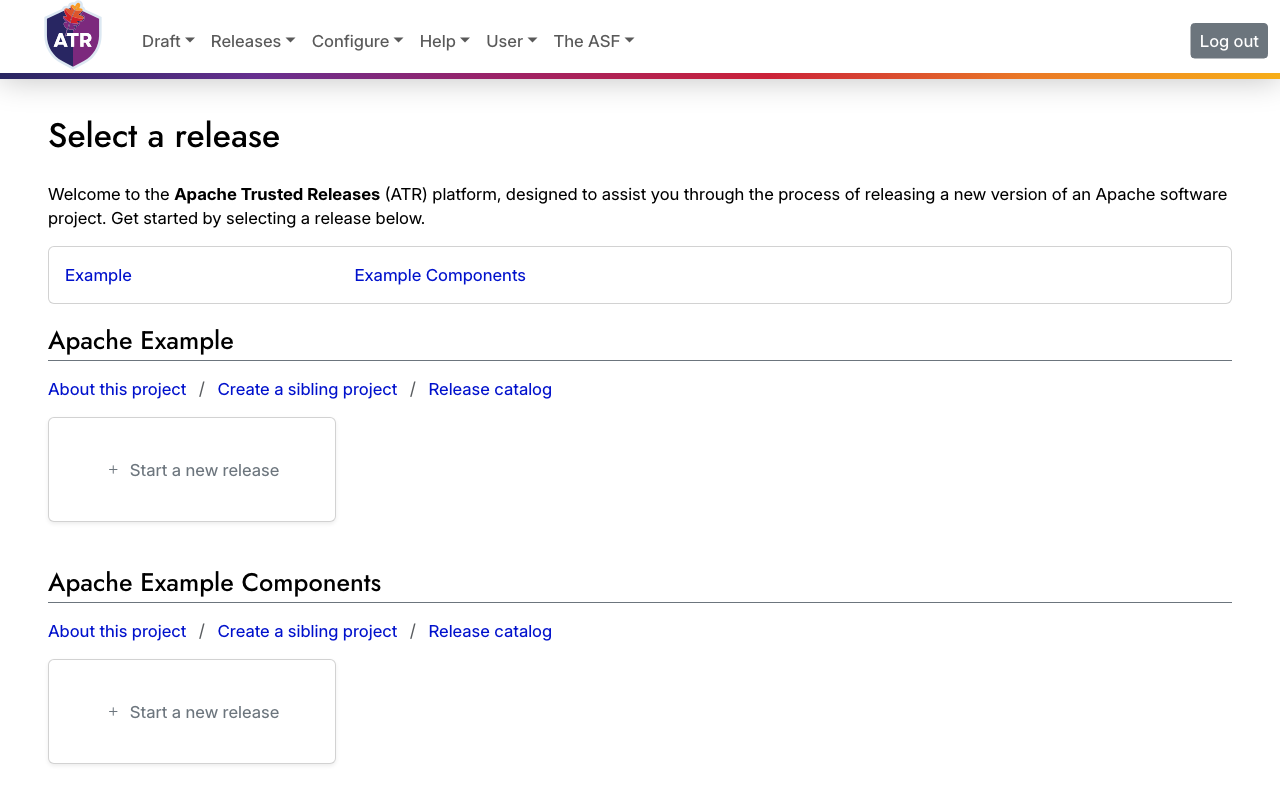
Press the Upload files button on the empty Compose page to add files.
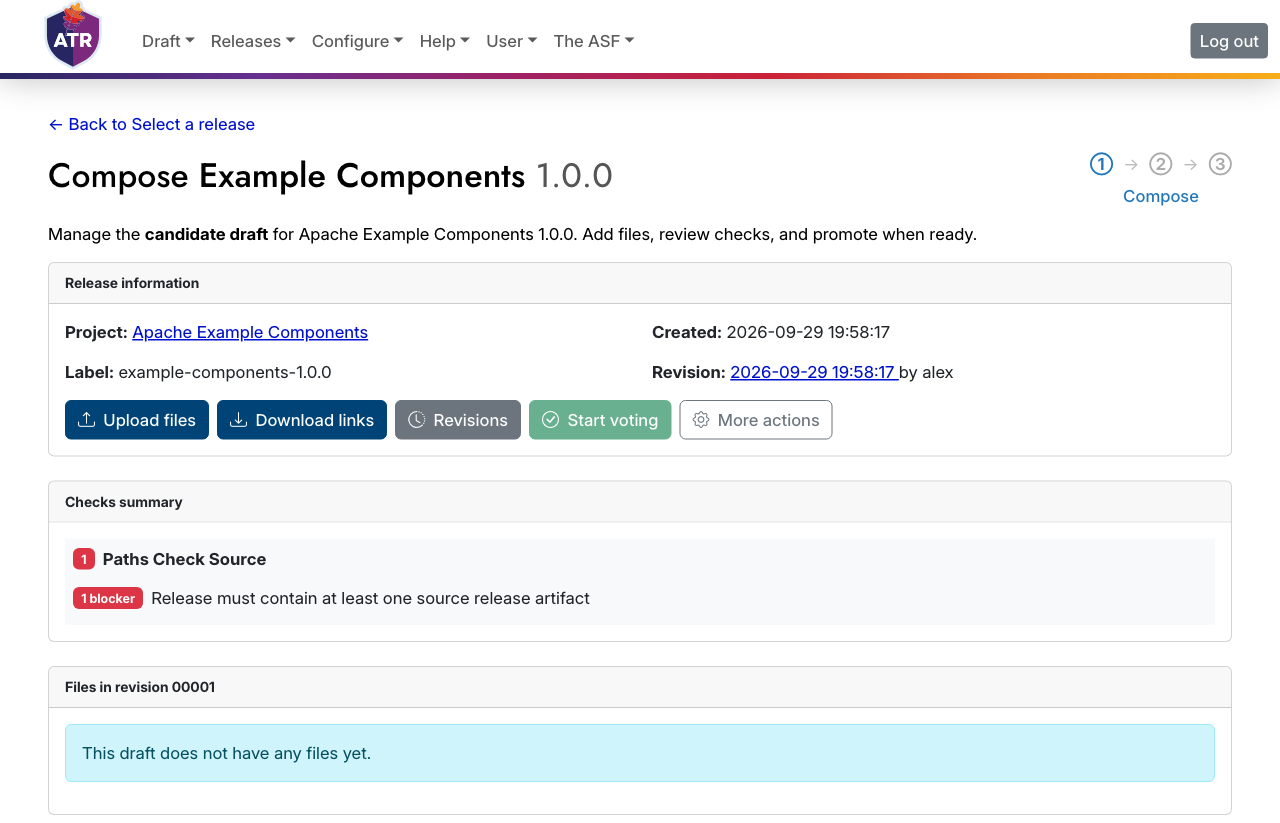
Upload files via the browser, svn, or rsync. To use rsync, first submit an SSH key to ATR. We plan to read this from LDAP in future.
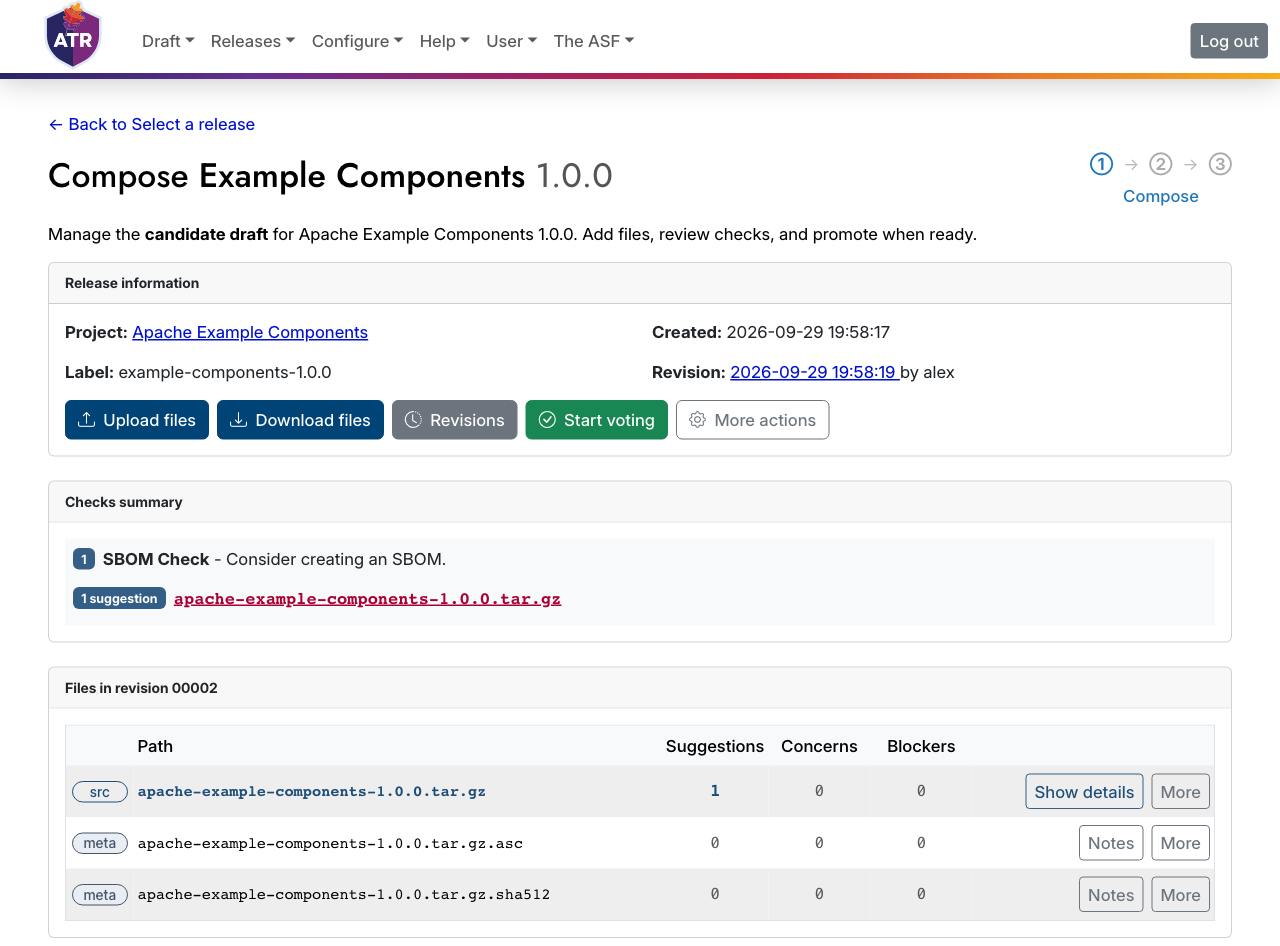
After upload, ATR checks your files. Review the check results on the Compose page. Press the Show details or Notes button beside a file for a detailed review of its check results.
When the files are present, the checks have finished, and any blockers are fixed, press the Start voting button to proceed. You must acknowledge any remaining concerns on the vote form.
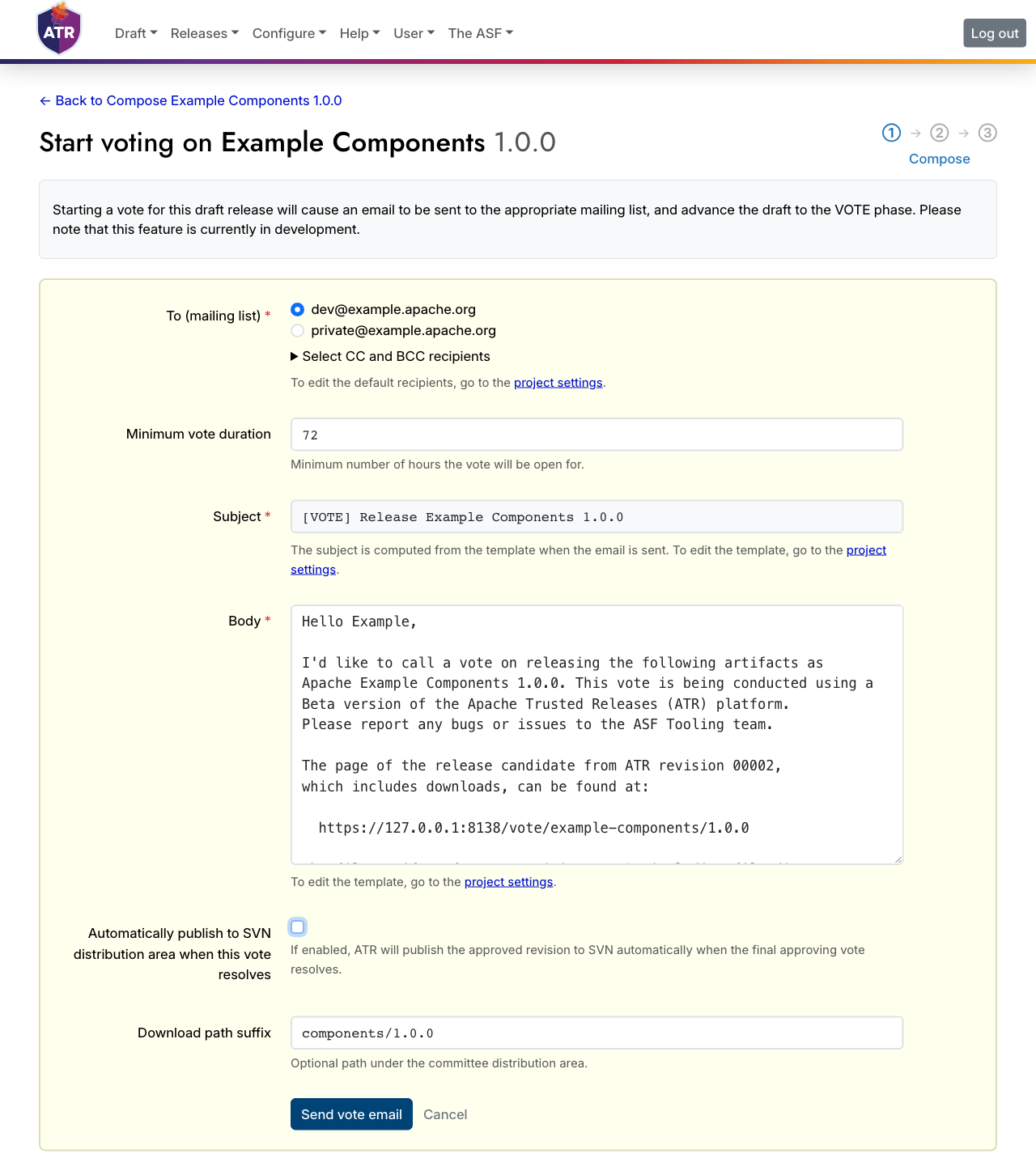
This takes you to a form to start the vote. The form shows the vote announcement email body, which you can review and edit if necessary. To publish manually in the Finish phase, clear Automatically publish to SVN distribution area when this vote resolves. When you submit the form, ATR sends an announcement message in your name to the chosen mailing list.
Vote
The Vote page is available to everyone, and displays the check results from the end of the Compose phase to help participants decide how to cast their votes. Use its download section to download the release candidate files to review them before voting.
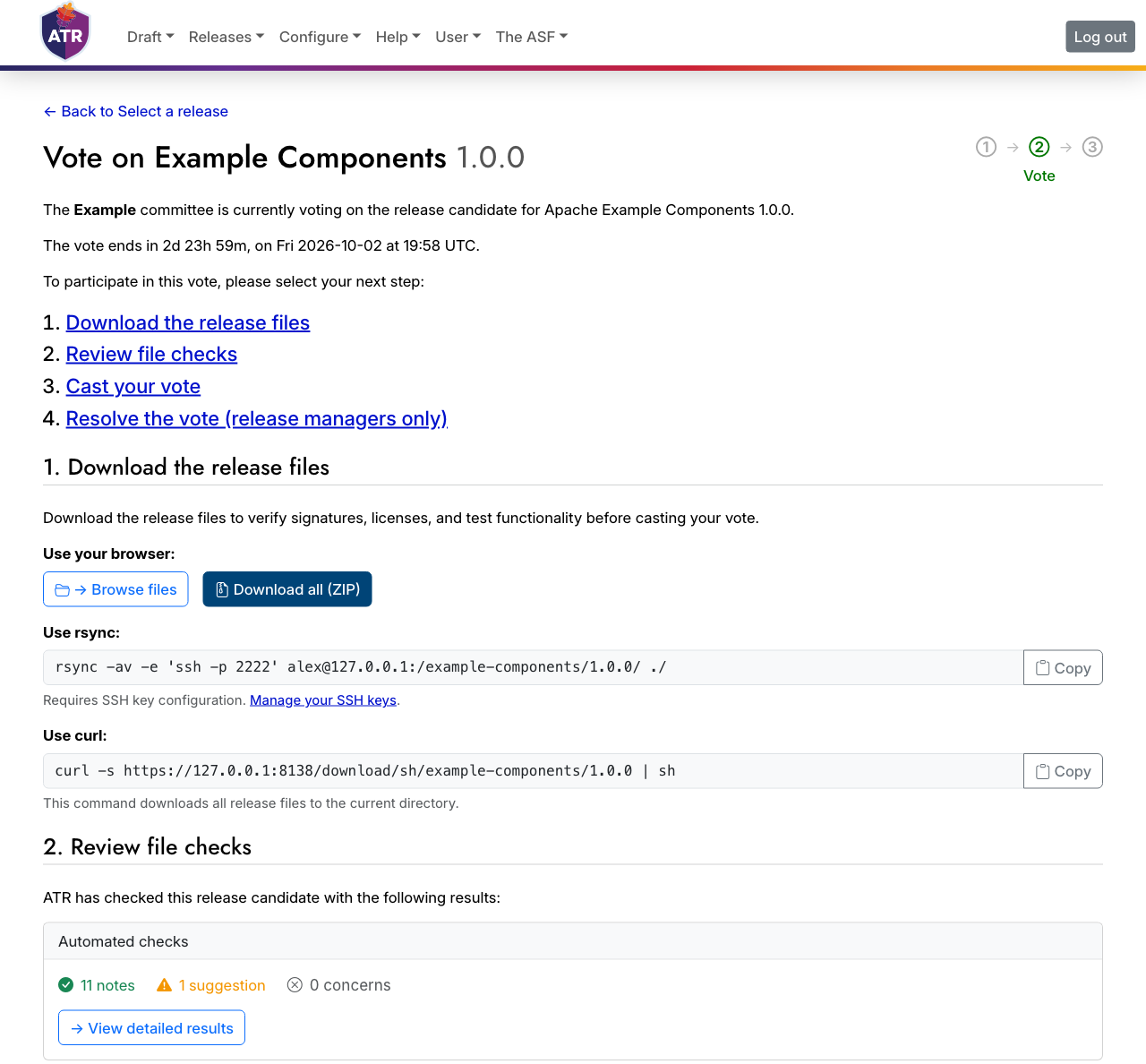
Several methods are available to download files: using the browser, a ZIP file, rsync, or curl. You must log in to use a ZIP file or rsync, and you must upload an SSH key before you can use rsync.
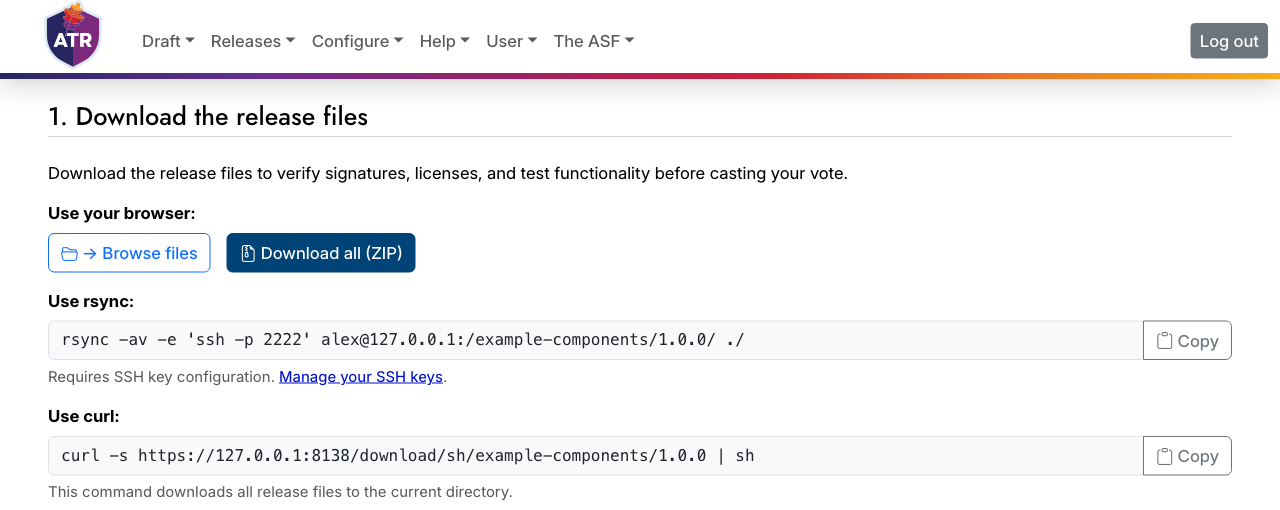
A link allows review of the voting thread in the mailing list archives. ATR will try to tally votes for you, but you must check the results manually. A form on the page allows you to cast your vote on the mailing list.
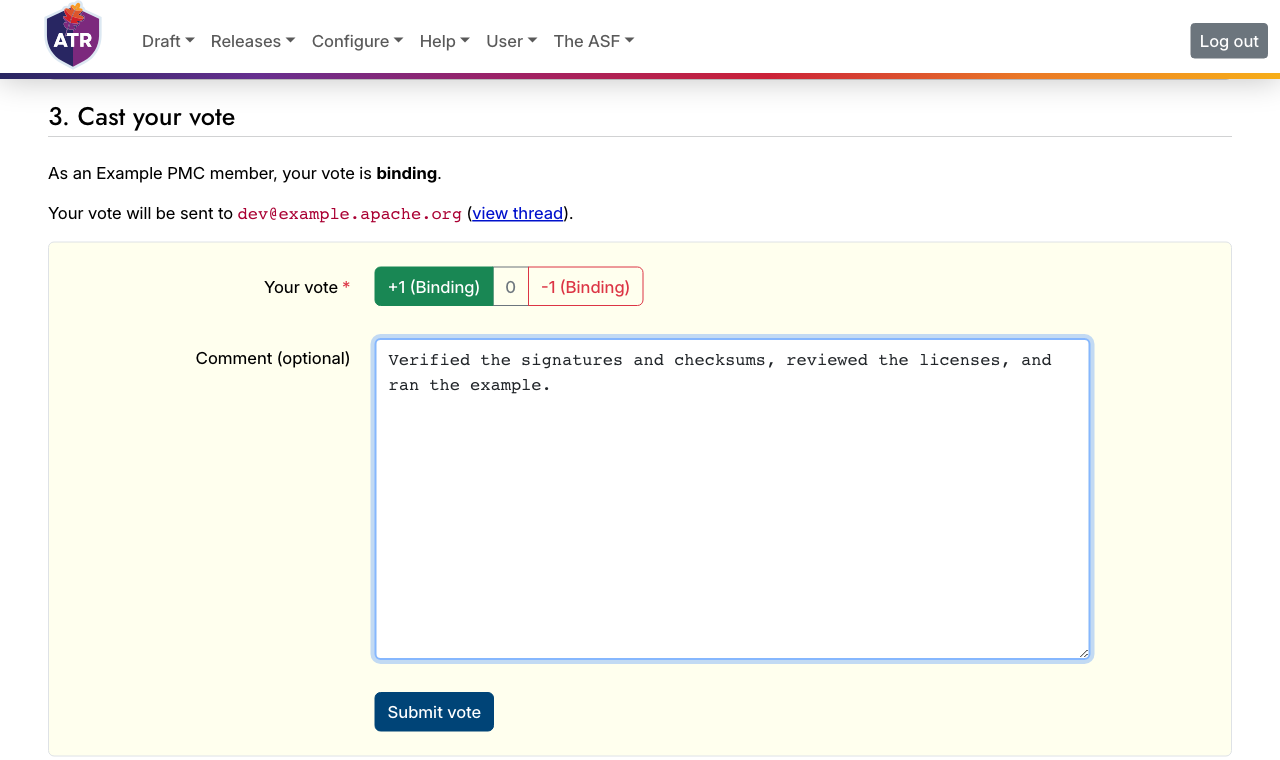
When the voting period concludes and the mandate is clear, record the outcome using the vote resolution form, accessed by pressing the Resolve vote button. Submitting this form also sends the outcome of the vote to the mailing list. A successful vote promotes the release candidate to the next phase; a failed or cancelled vote returns it to the Compose phase.
Finish
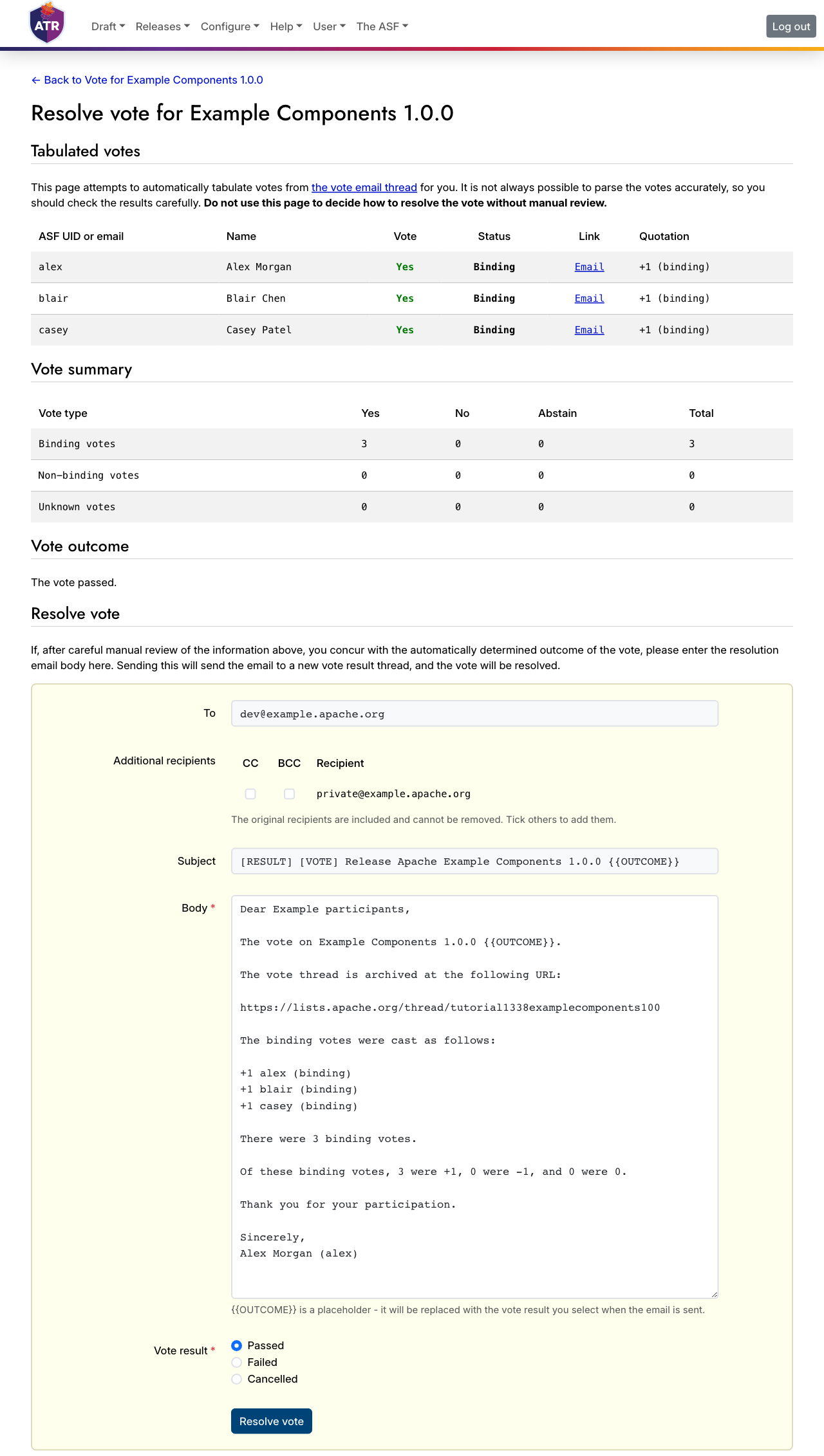
If the vote passes, the release enters the Finish phase.
During this phase you should distribute release artifacts to your package distribution networks such as Maven Central, PyPI, or Docker Hub. You currently must do this manually, but you can record the results on ATR.
When the release is finished, publish it using the Publish to ASF Distribution Area form. Complete the Download path suffix field to choose a specific location from which users can download your release artifacts. When publication is complete and the files are available for download, press the Announce button.
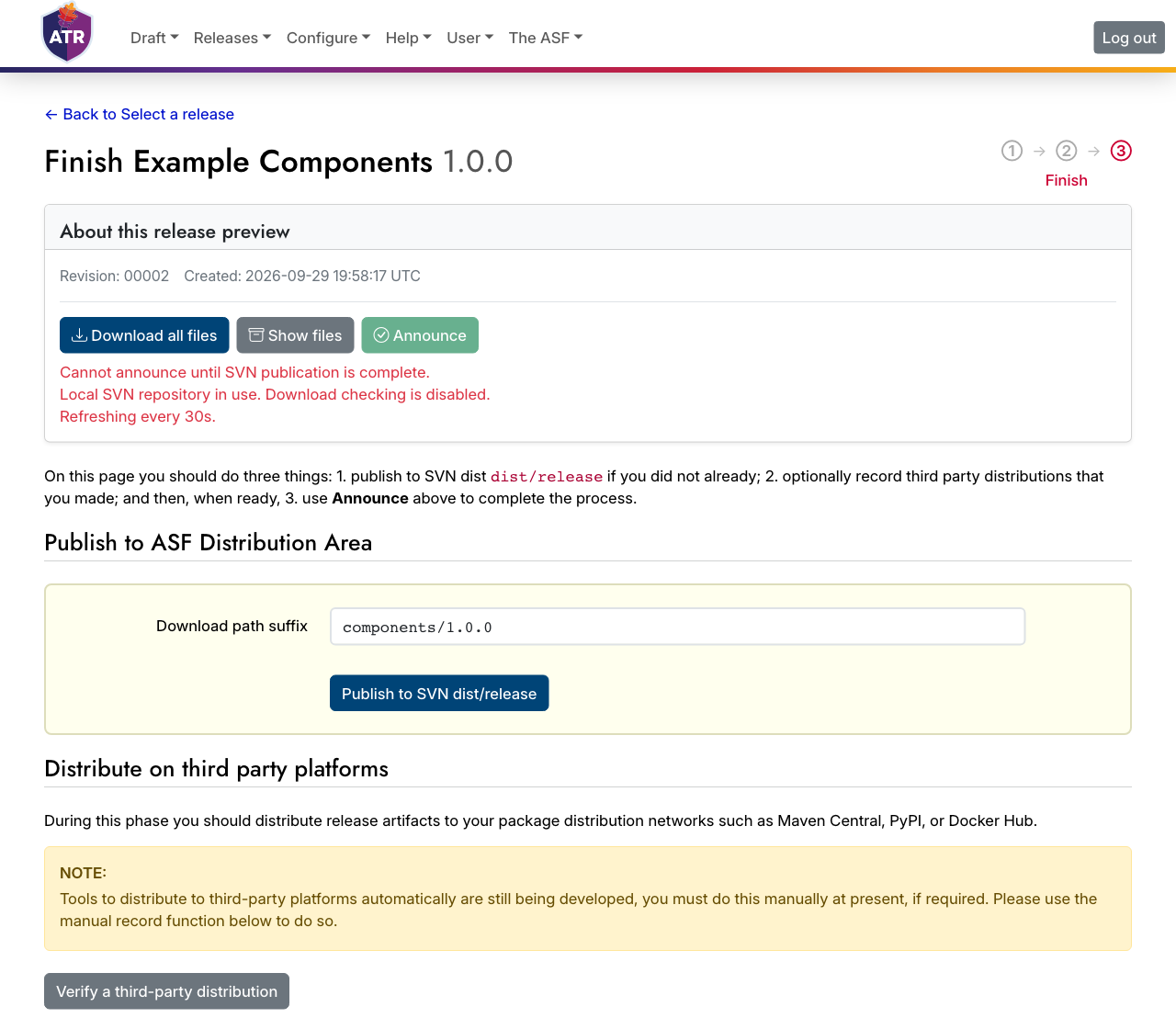
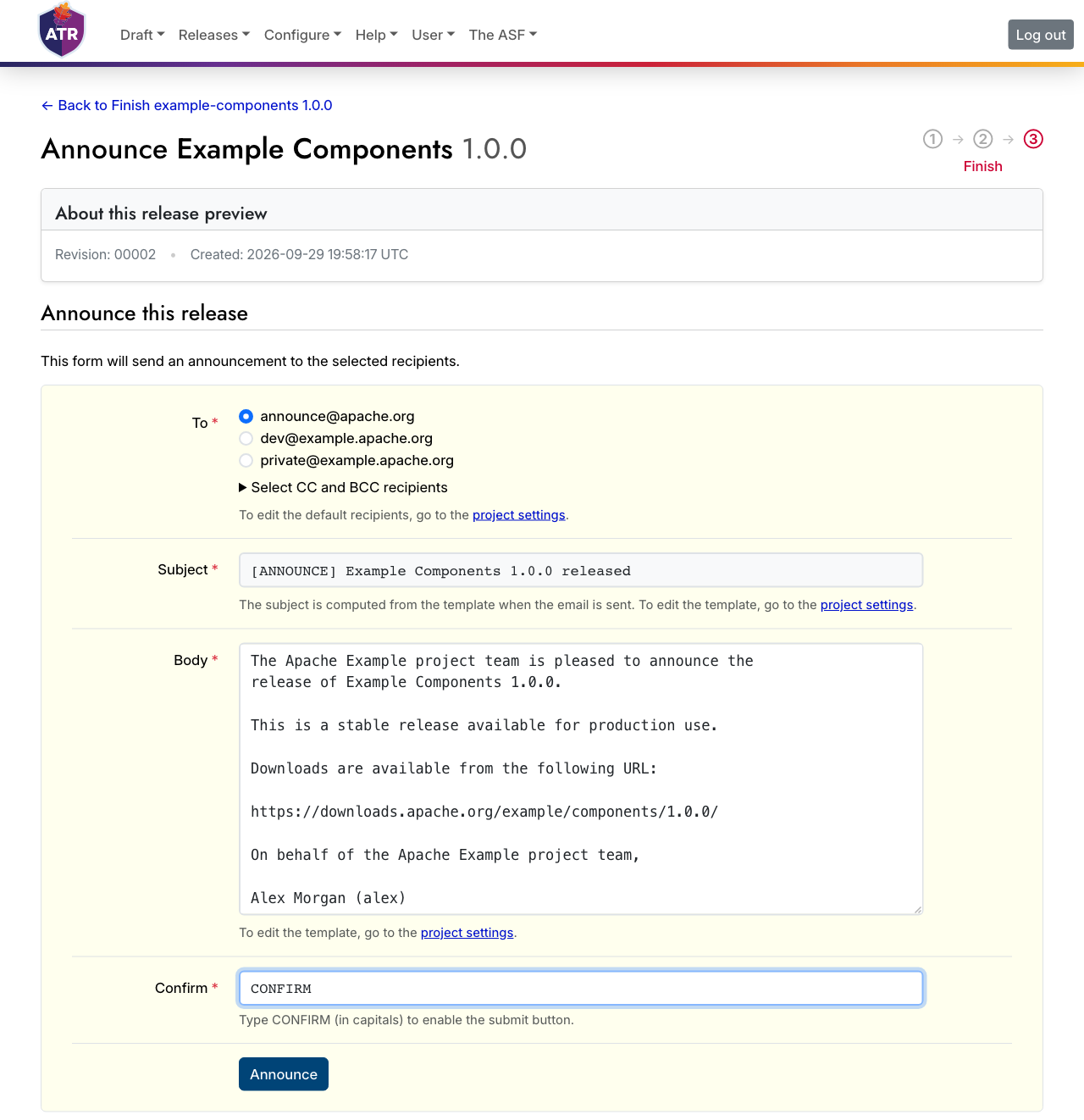
Submitting the announcement form sends a message to your selected mailing list.
Releases
When a release is finished, it is listed alongside any other finished releases for a project.
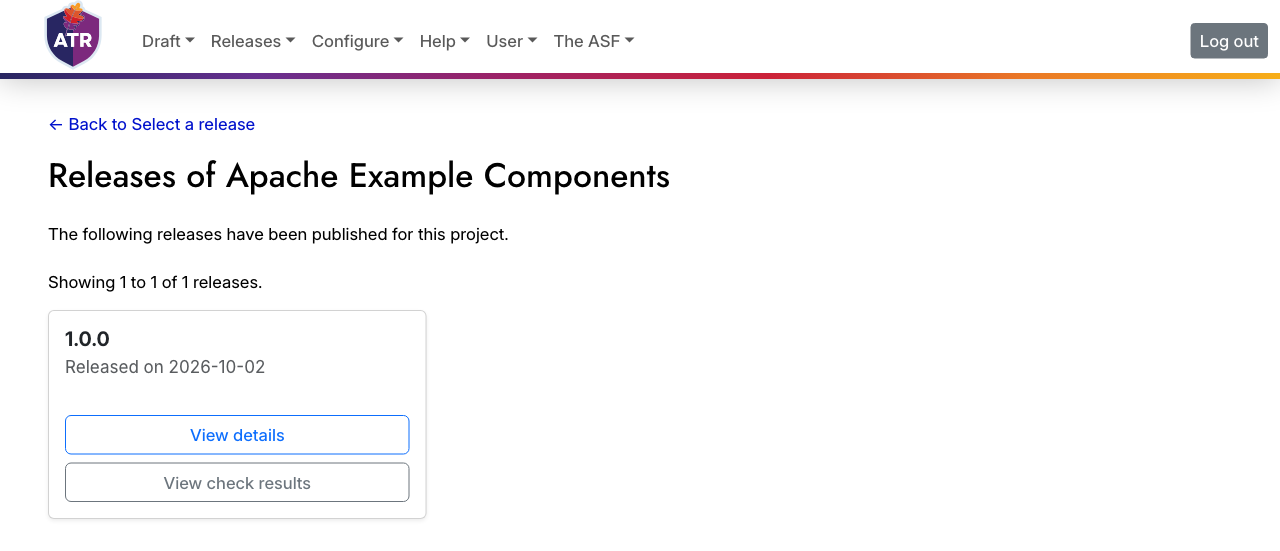
Each release entry provides links to the details of the release, where you can download its files, and to its check results.
This completes the ATR workflow, from draft to finished public release.
Projects
ATR automatically imports as many projects as it can find, but it may still be necessary to create a project manually.
If you are a member of a committee, there is a Create project button under it in your Committee directory, accessible as Committees in the Configure menu.
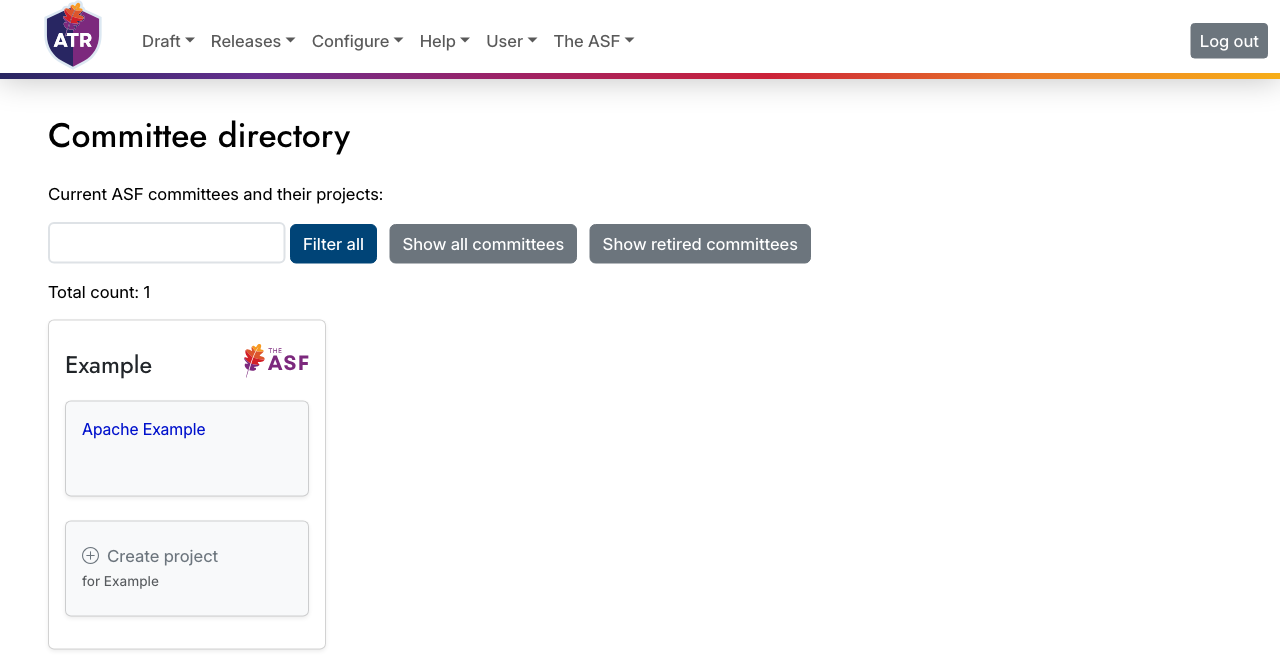
Follow the instructions under each form input carefully, otherwise your new project will not be created. To create a sub-project of an existing project, start the new project key with the existing project key followed by a hyphen. ATR copies settings such as the description and release policy from the existing project once, when the new project is created.
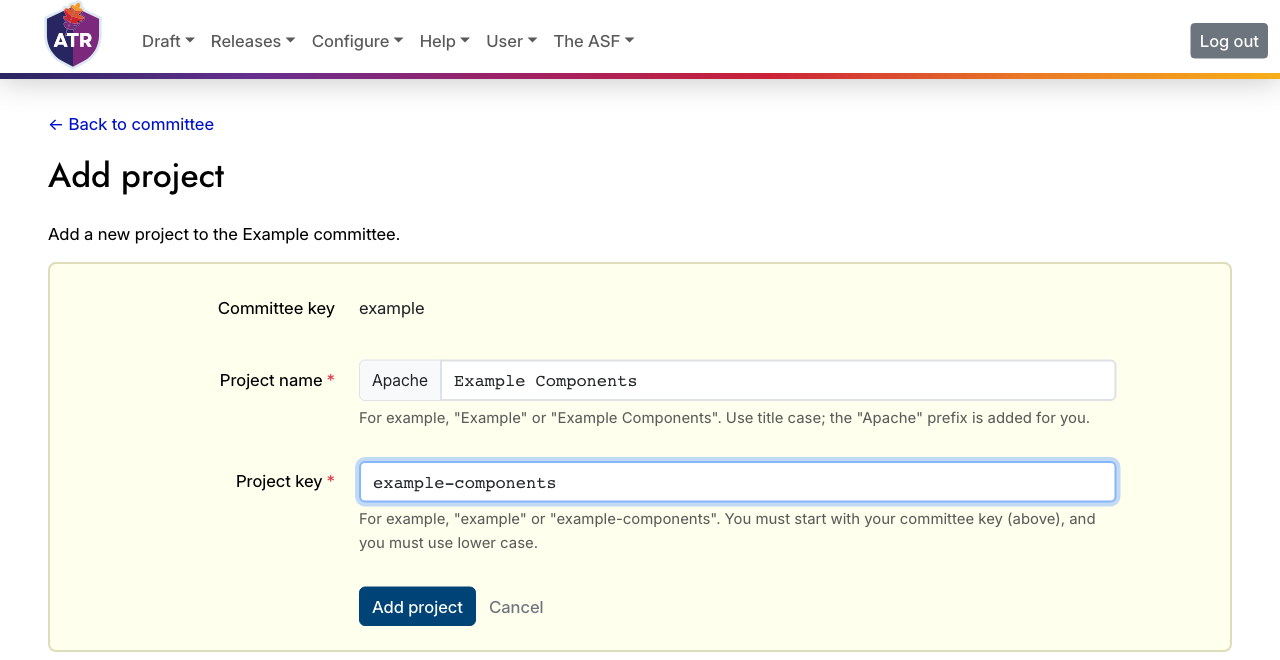
Every successfully added project is listed on the Committee directory page. Press the project button, and the project page will be displayed with its configuration tabs, such as Metadata, Compose, Vote, and Finish. Edit the settings in each tab to your liking, and Save your changes.
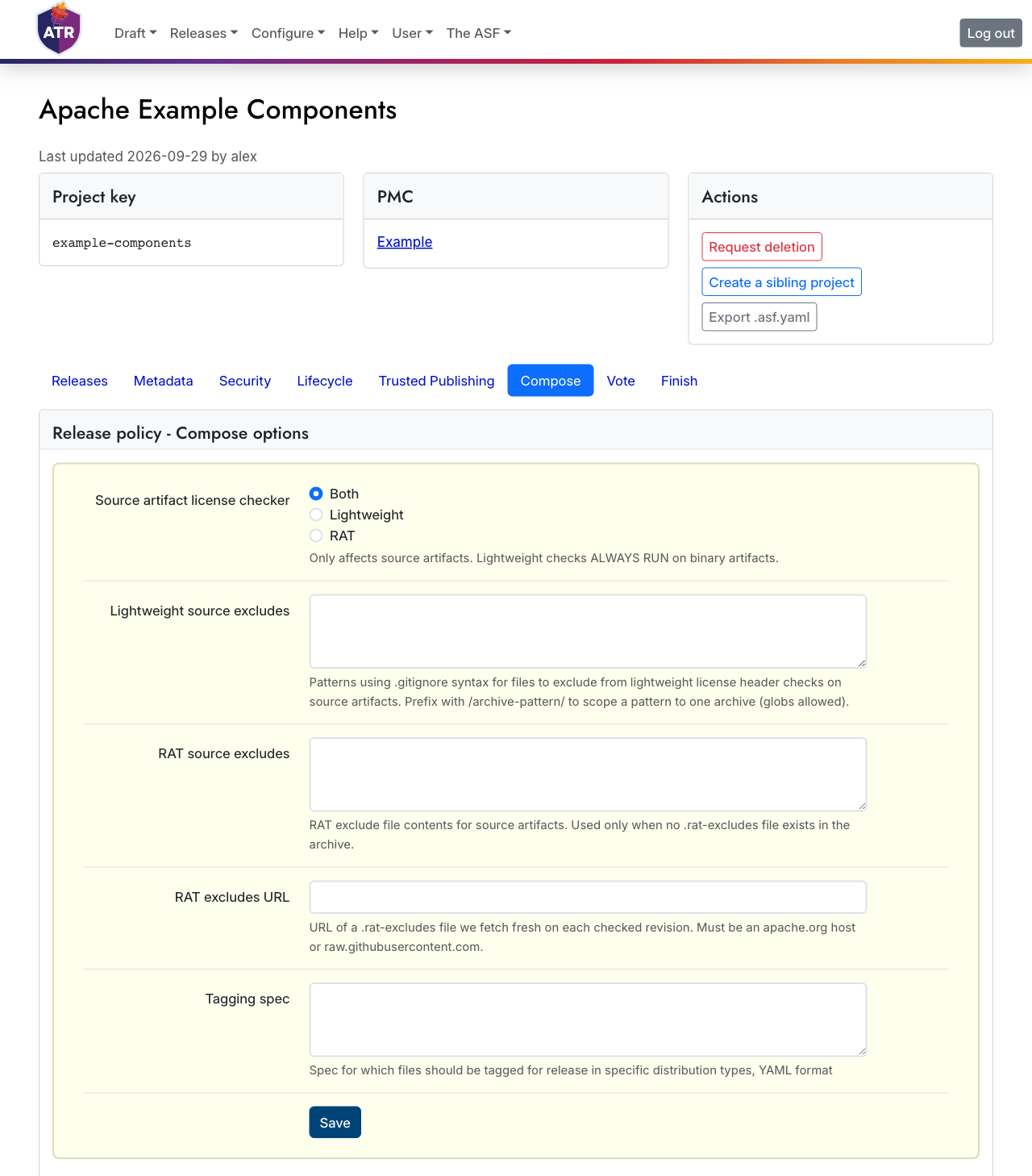
Once your project has been created and its required metadata is complete, you can compose releases for it. If anything required is missing, such as the homepage, download page, or repositories, ATR asks you to complete it when you start a release.